A contact is a person that has been added to your CRM.
A contact will only have access to login to Grant Toolbox if they are given login access.
Login access also allows the user to use the Forgot Password feature.
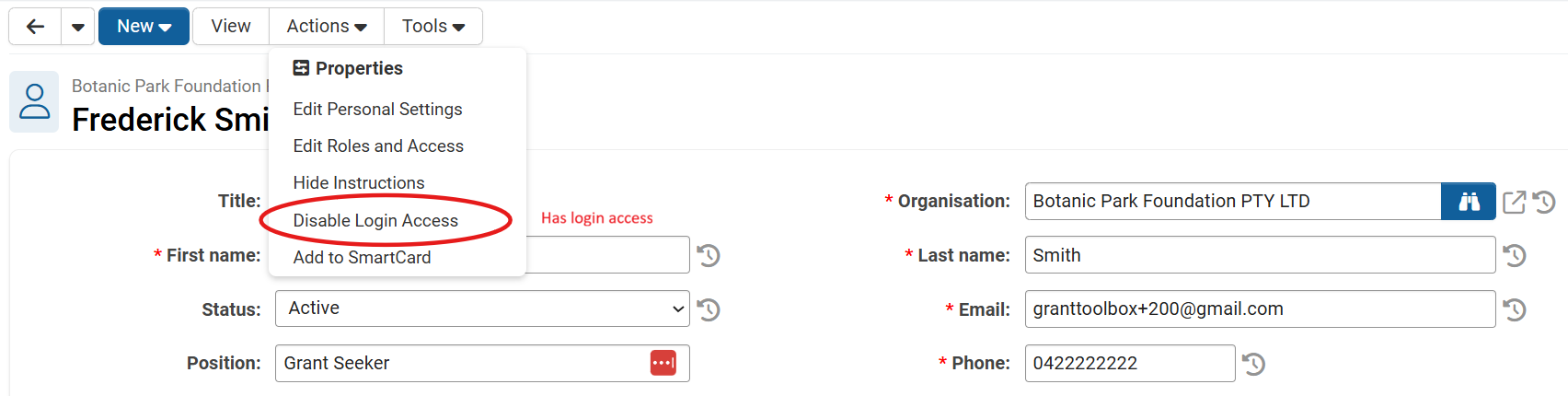
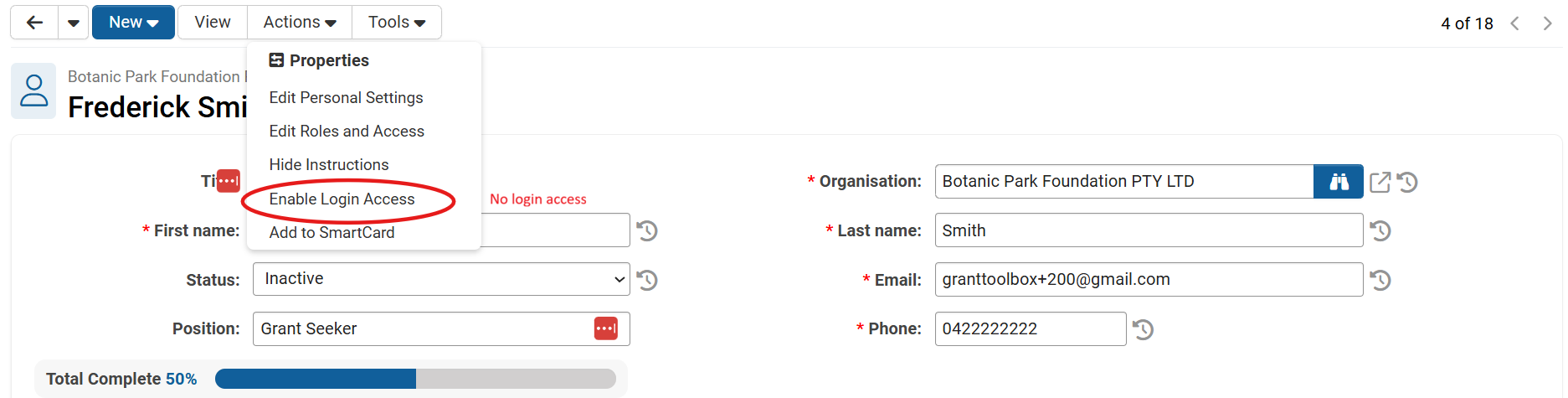
To check if a user has access to login, open the 'Actions' dropdown.
If there is an option 'Disable Login Access' that indicates that a user can login to Grant Toolbox.
Was this article helpful?
That’s Great!
Thank you for your feedback
Sorry! We couldn't be helpful
Thank you for your feedback
Feedback sent
We appreciate your effort and will try to fix the article